Run your rental shop from your phone.
Rentouri is an app for ski and bike rental shops. You hand out gear faster, with no paper agreements, and confirmed bookings keep coming in overnight while the shop is closed.
See how to add Rentouri to your home screen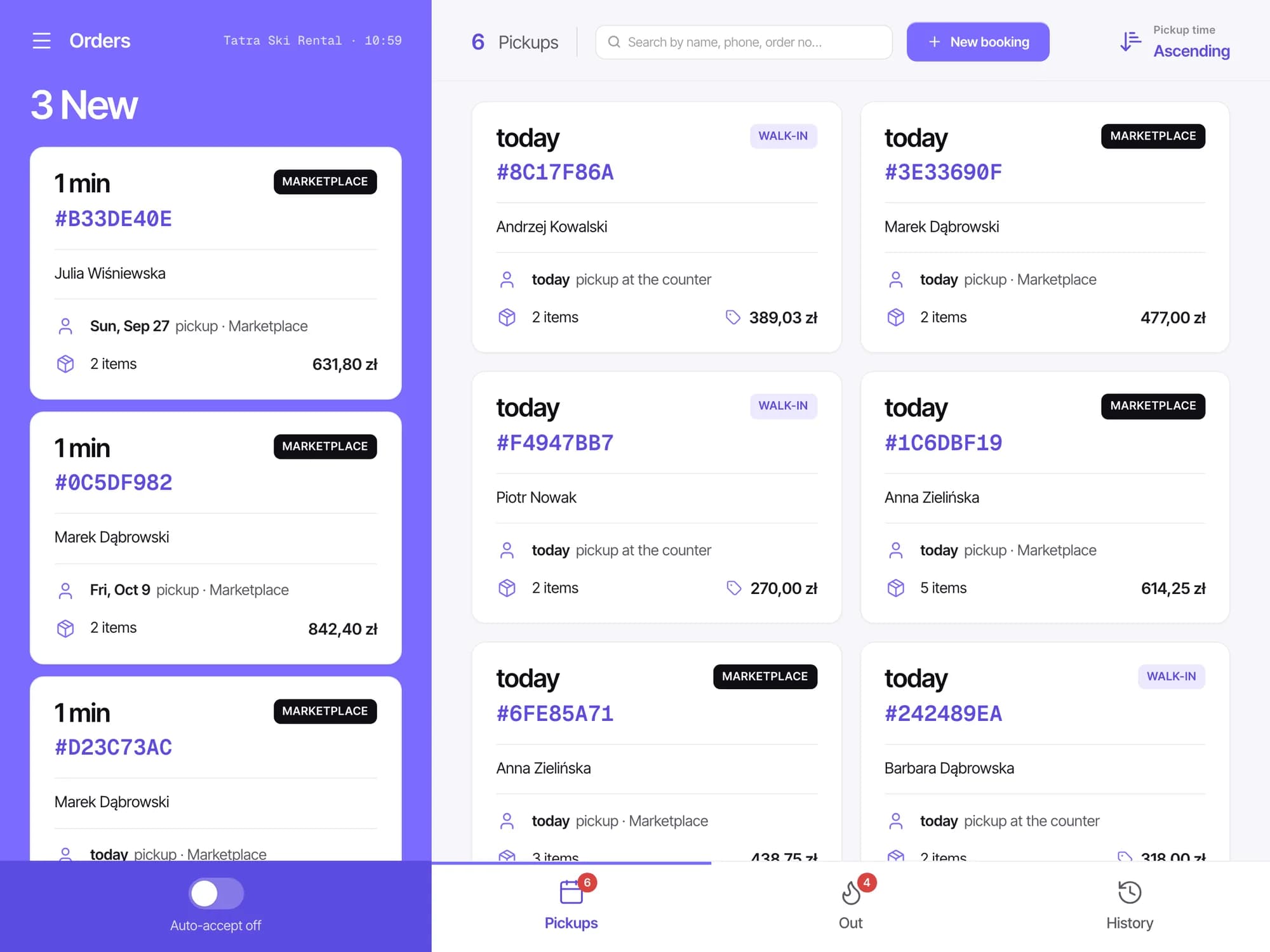
- No contract, cancel anytime
- No commission on in-person bookings
- No App Store, no Google Play
- No per-device fee
The morning queue moves faster
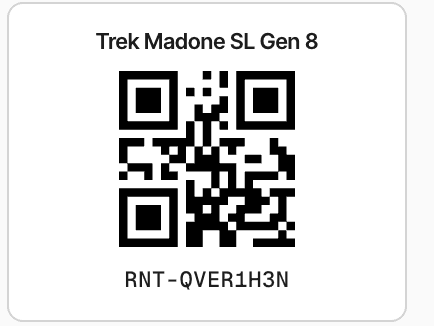
Hand-out and return are a few scans with your phone.
- No hunting for the customer in a notebook: the code from their email opens their booking straight away.
- Customer without a booking? You see what's free right away, so you never hand out gear someone booked online.
- Gear came back damaged? Take a photo with your phone and keep as much of the deposit as it takes, before the customer walks out.
You decide which bookings you take
Turn on auto-accept, or approve each booking yourself on your phone.
- The card is checked before you decide: the customer confirms it with their bank when sending the request, and we take the payment ourselves when it's due. No chasing anyone to pay.
- Every new request reaches your email and the app's notifications.
- Declining, or not answering within 24 hours, costs the customer nothing. No refund to issue, no commission.
A tablet instead of a binder of agreements
On an iPad or an Android tablet you see the whole day: who picks up today, what is out, and which requests are waiting.
- The rental agreement, with your own terms, is signed with a finger. The PDF stays with the booking, with the date and time it was signed.
- Customers who booked online sign and pay before they arrive, so at pick-up you just scan and hand out.
- Bookings taken in person carry no commission. Cash, card-terminal payments and the deposit are recorded on the booking.
Run the shop even when you're not in it
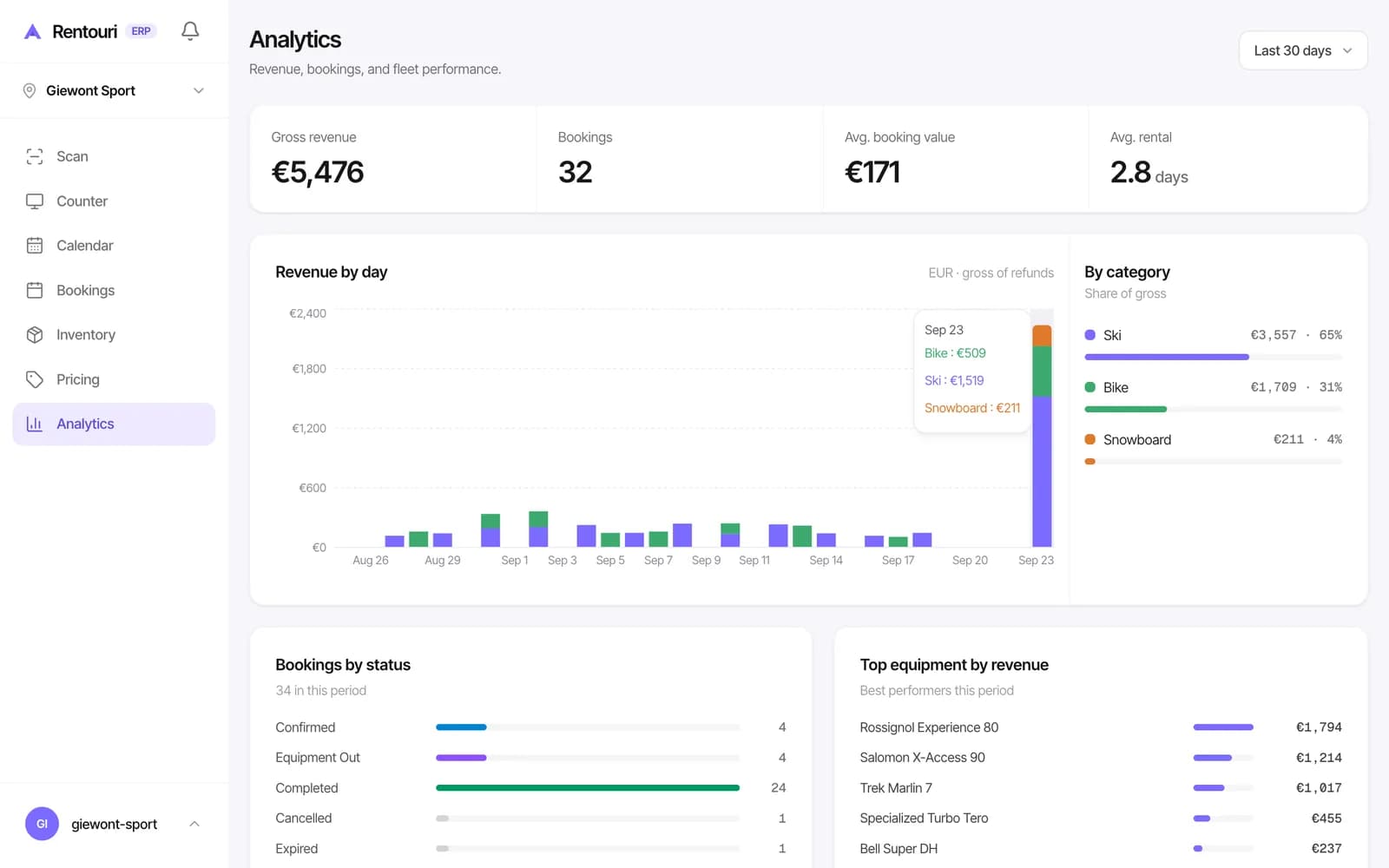
Your phone has everything the computer has: calendar, bookings, inventory, pricing and analytics.
- Change your prices from your phone, and customers booking online see them straight away.
- Seasonal staff get an email invite and hand out gear from their own phone, with access only to what you allow.
- Several rental locations run from one account on the Pro plan.
How to add Rentouri to your home screen
Rentouri opens in the browser like any website, so there is nothing to download from an app store. On your home screen it gets its own icon and opens like a separate app. Updates arrive on their own.
Go to app.rentouri.com
Open Safari, type this address and log in.
app.rentouri.comTap the share icon
It's a square with an arrow pointing up. On iPhone it's at the bottom of the screen, sometimes behind the three dots. On iPad it's at the top.
ShareChoose “Add to Home Screen”
If you can't see it, scroll further down the list. Then tap Add.
Add to Home ScreenDone. The Rentouri icon now sits next to your other apps.
Go to app.rentouri.com
Open Chrome, type this address and log in.
app.rentouri.comTap the three dots
They're in the top right corner of the screen. Choose “Add to Home screen”.
Add to Home screenTap “Install”
Your phone asks whether to add the app. Confirm.
InstallDone. The Rentouri icon is on your home screen.
Go to app.rentouri.com
Open Chrome or Edge, type this address and log in.
app.rentouri.comClick the install icon
It's a small icon at the end of the bar with the page address.
Install RentouriClick “Install”
The browser asks whether to add the app. Confirm.
InstallDone. Rentouri has its own window and an icon on your desktop.
Using Safari on a Mac? Choose File at the top, then Add to Dock.
You earn even when the shop is closed
A customer books at 11 pm, pays and signs the agreement. By morning the booking is on the counter tablet, your phone and the office computer, so you just scan and hand out the gear.